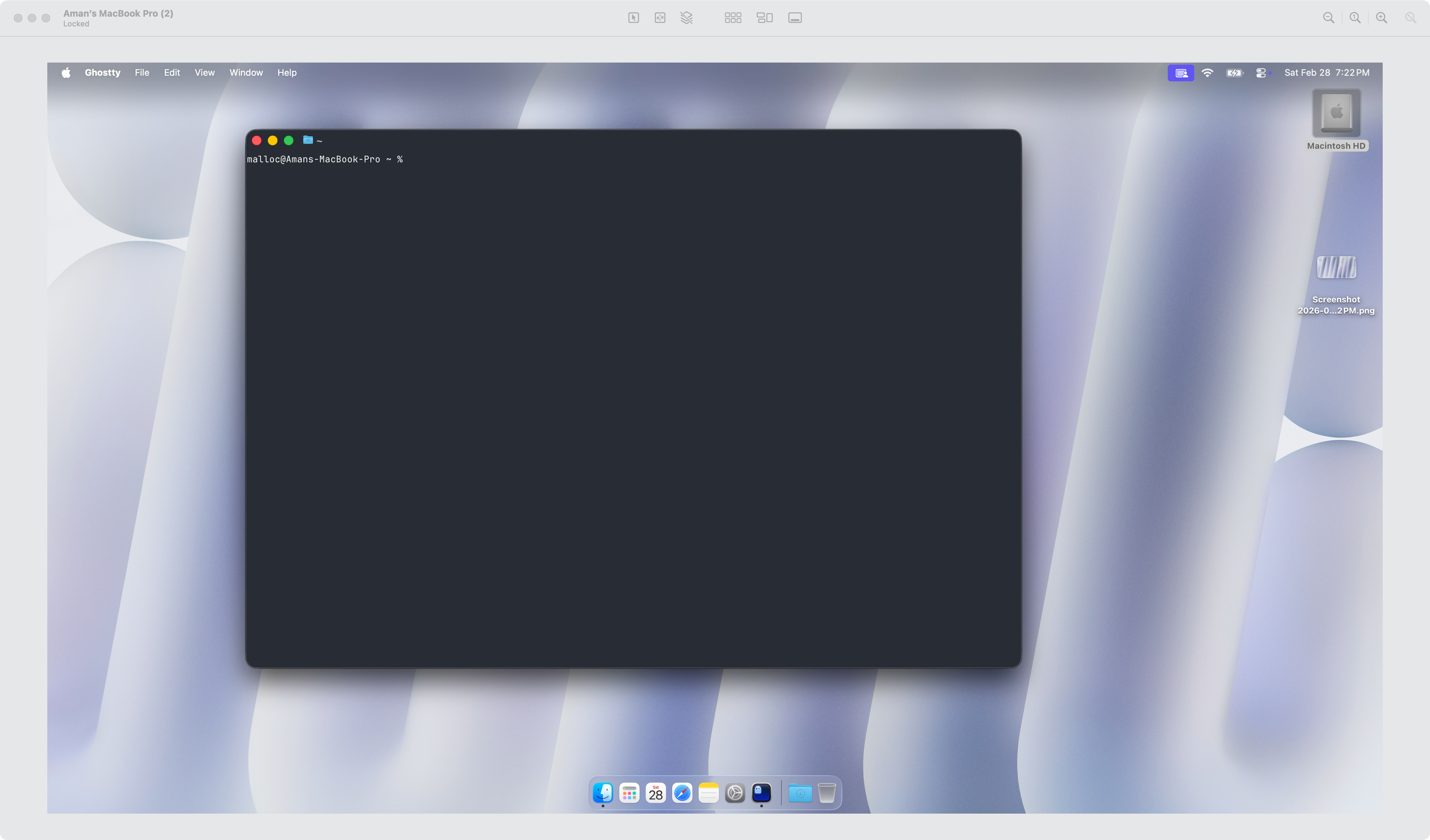
macOS has a built-in way to remotely access another Mac using Screen Sharing and Remote Login (SSH). No third-party tools needed.
How to set it up
On the remote Mac (the one you want to access), go to System Settings > General > Sharing. Enable Screen Sharing for full GUI access, or enable Remote Login for SSH/terminal access. Note the local IP address or hostname shown in the Sharing settings.
Connecting
For Screen Sharing, open Finder on your local Mac, press Cmd + K, and enter vnc://<remote-ip>.
For SSH, open Terminal and run:
ssh username@<remote-ip>Both Macs need to be on the same network (or use a VPN for remote access over the internet).