I recently migrated from Cursor to VS Code. Cursor’s agentic code integration was a huge part of my daily workflow.
If you’re switching from Cursor to VS Code, the migration is straightforward. There are a few steps to get it right.
Why move back to VS Code
Claude Code runs in the terminal. It doesn’t care which editor is open. That made Cursor redundant.
Cursor is a VS Code fork with all the same capabilities. I used it for almost a year. Over the last month, I stopped using Cursor’s agent integration and switched to Claude Code in the terminal, and before that, Codex CLI. Claude and Codex extensions are also available in VS Code.
What to migrate from Cursor to VS Code
Three things to migrate: settings, keybindings, and extensions. The key directories for both editors on macOS are:
| What | Cursor location | VS Code location |
|---|---|---|
| Settings | ~/Library/Application Support/Cursor/User/settings.json | ~/Library/Application Support/Code/User/settings.json |
| Keybindings | ~/Library/Application Support/Cursor/User/keybindings.json | ~/Library/Application Support/Code/User/keybindings.json |
| Extensions | ~/.cursor/extensions/ | ~/.vscode/extensions/ |
Migration steps
Close VS Code before you start. If it’s running, extension installs can conflict with VS Code’s internal updater and you’ll get errors.
If you’ve used VS Code before, clean out the old data first.
rm -rf ~/.vscode/extensions/

# Remove old settings
rm -f ~/.vscode/settings.json
rm -f ~/Library/Application\ Support/Code/User/settings.json

# Clear caches (optional, frees up space)
cd ~/Library/Application\ Support/Code/
rm -rf Backups blob_storage CachedData CachedExtensionVSIXs CachedProfilesData \
  "Code Cache" Cookies Cookies-journal Crashpad DawnGraphiteCache DawnWebGPUCache \
  GPUCache languagepacks.json "Local Storage" logs "Network Persistent State" \
  Preferences "Service Worker" "Session Storage" "Shared Dictionary" shared_proto_db \
  SharedStorage TransportSecurity "Trust Tokens" "Trust Tokens-journal" \
  VideoDecodeStats WebStorage
Next, you need to copy the settings and keybindings:
cp ~/Library/Application\ Support/Cursor/User/settings.json \
   ~/Library/Application\ Support/Code/User/settings.json

cp ~/Library/Application\ Support/Cursor/User/keybindings.json \
   ~/Library/Application\ Support/Code/User/keybindings.json
If you have any custom snippets in Cursor, don’t forget to copy those as well:
cp ~/Library/Application\ Support/Cursor/User/snippets/ \
    ~/Library/Application\ Support/Code/User/snippets/
Your settings.json will have Cursor-specific keys that VS Code doesn’t understand. Anything prefixed with cursor.. Remove them before copying.
{
  "cursor.cpp.disabledLanguages": ["plaintext", "scminput"],
  "cursor.cpp.enablePartialAccepts": true
}
Next are extensions. Install them fresh in VS Code. This ensures VS Code gets the correct platform-specific versions:
ls ~/.cursor/extensions/ \
  | grep -v extensions.json \
  | sed -E 's/-[0-9]+\.[0-9]+\.[0-9]+.*$//' \
  | sort -u \
  | xargs -L 1 code --install-extension --force
Some extensions might be Cursor-only and won’t exist on the VS Code marketplace. These include anything from anysphere.*. They’ll fail to install with an error and that’s expected.
Use a Claude Code plugin for migration
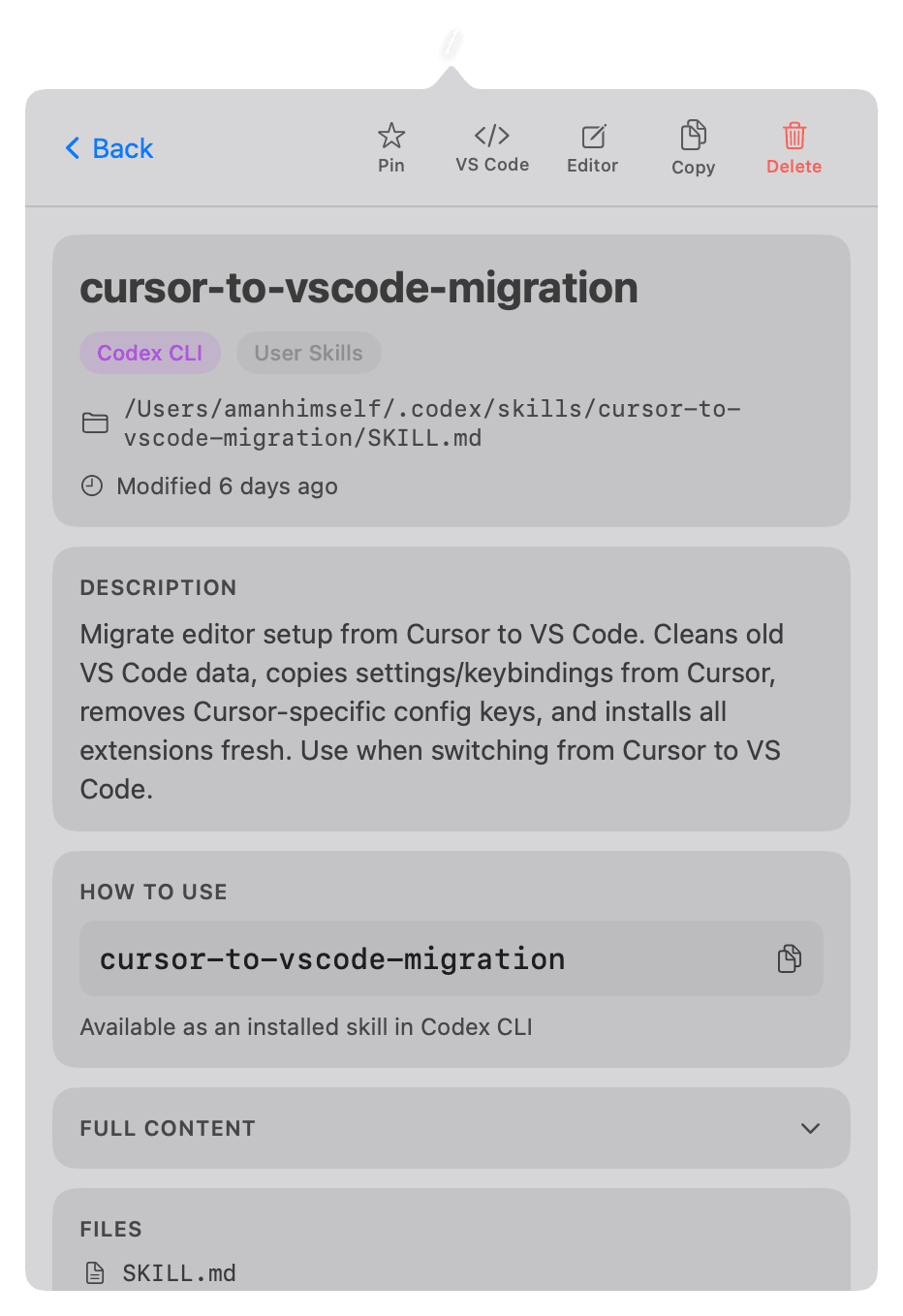
After running through these steps manually, I turned them into a reusable Claude Code plugin. It includes helper scripts that handle JSONC parsing (for settings files with comments), Cursor-specific key stripping, and extension ID extraction with skip lists for Cursor-only extensions.
You can install it in Claude Code:
/plugin marketplace add amandeepmittal/cursor-to-vscode-migration
/plugin install cursor-to-vscode-migration
After restarting Claude Code, tell it to migrate my setup from cursor to vscode. The skill walks through each step and asks for confirmation before doing anything destructive.
The plugin is open source: github.com/amandeepmittal/cursor-to-vscode-migration.