SkillsBar
Claude Code, Codex, project skills, plugins, collections, and agents in the menu bar.

Your AI skill library, always visible.
Browse, search, pin, group, and track usage of your Claude Code and Codex skills, plugins, project workspaces, collections, and agents from a lightweight menu bar popover.
Features
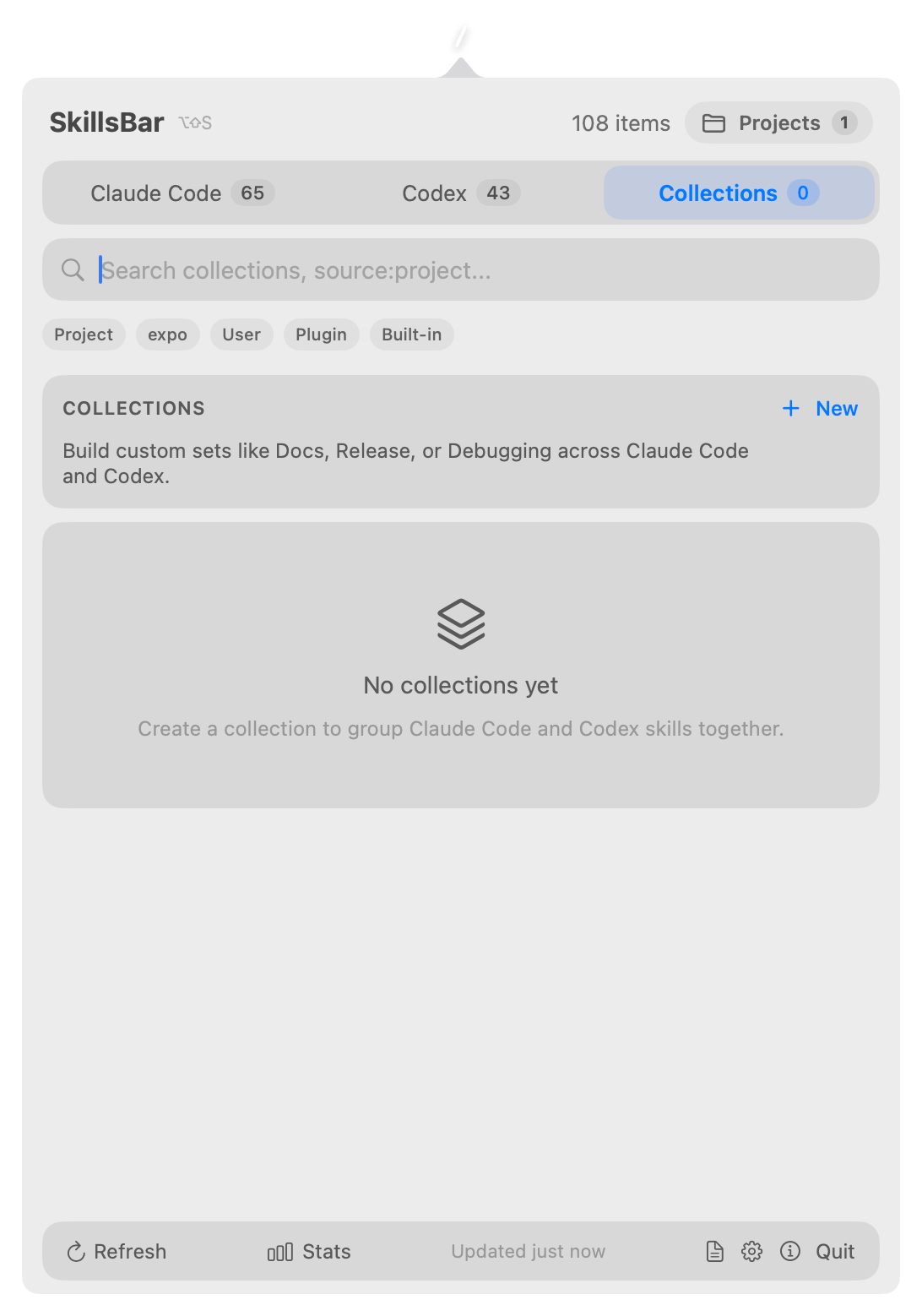
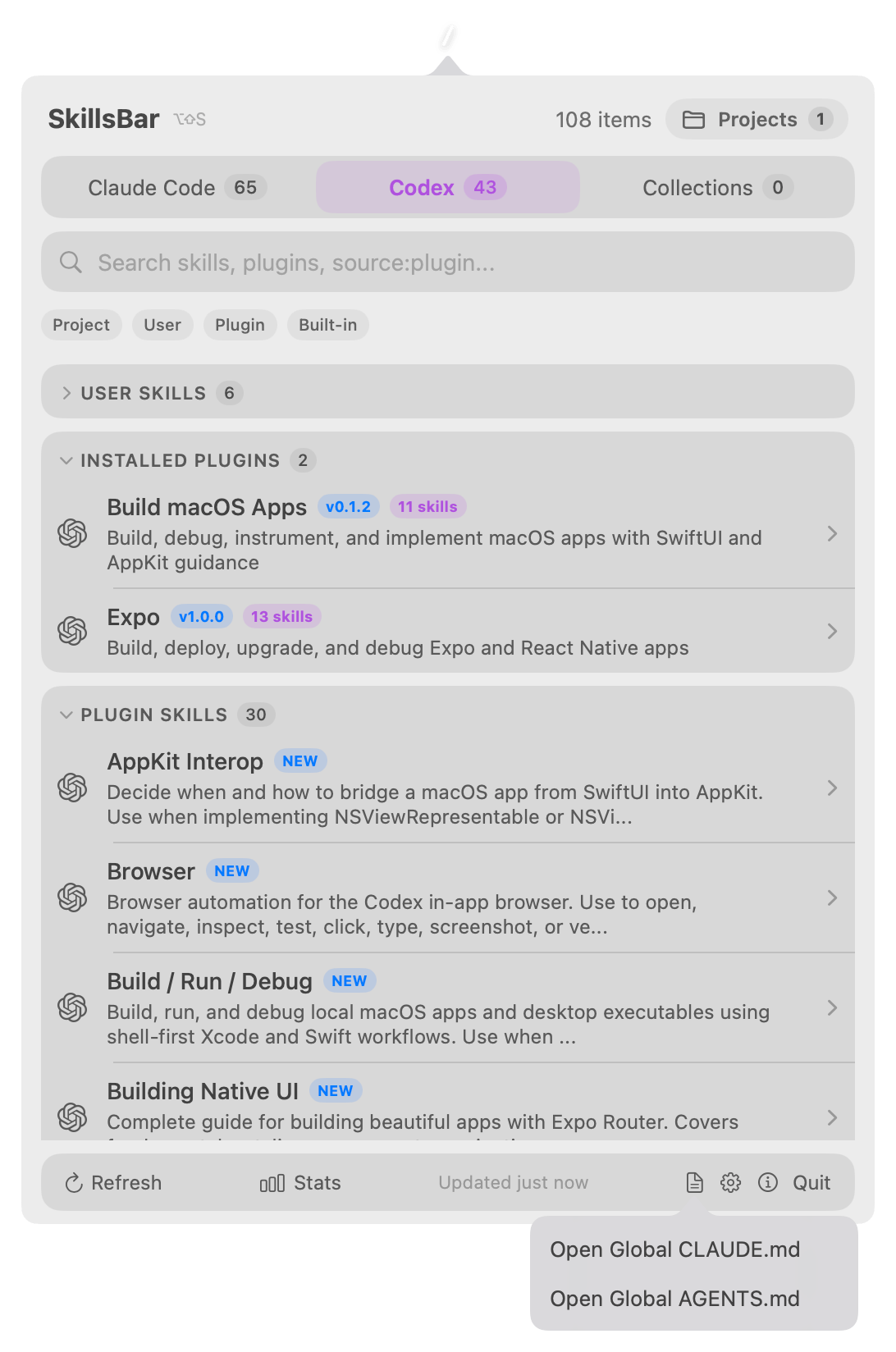
- Tabbed browsing with count badges for Claude Code, Codex, and Collections.
-
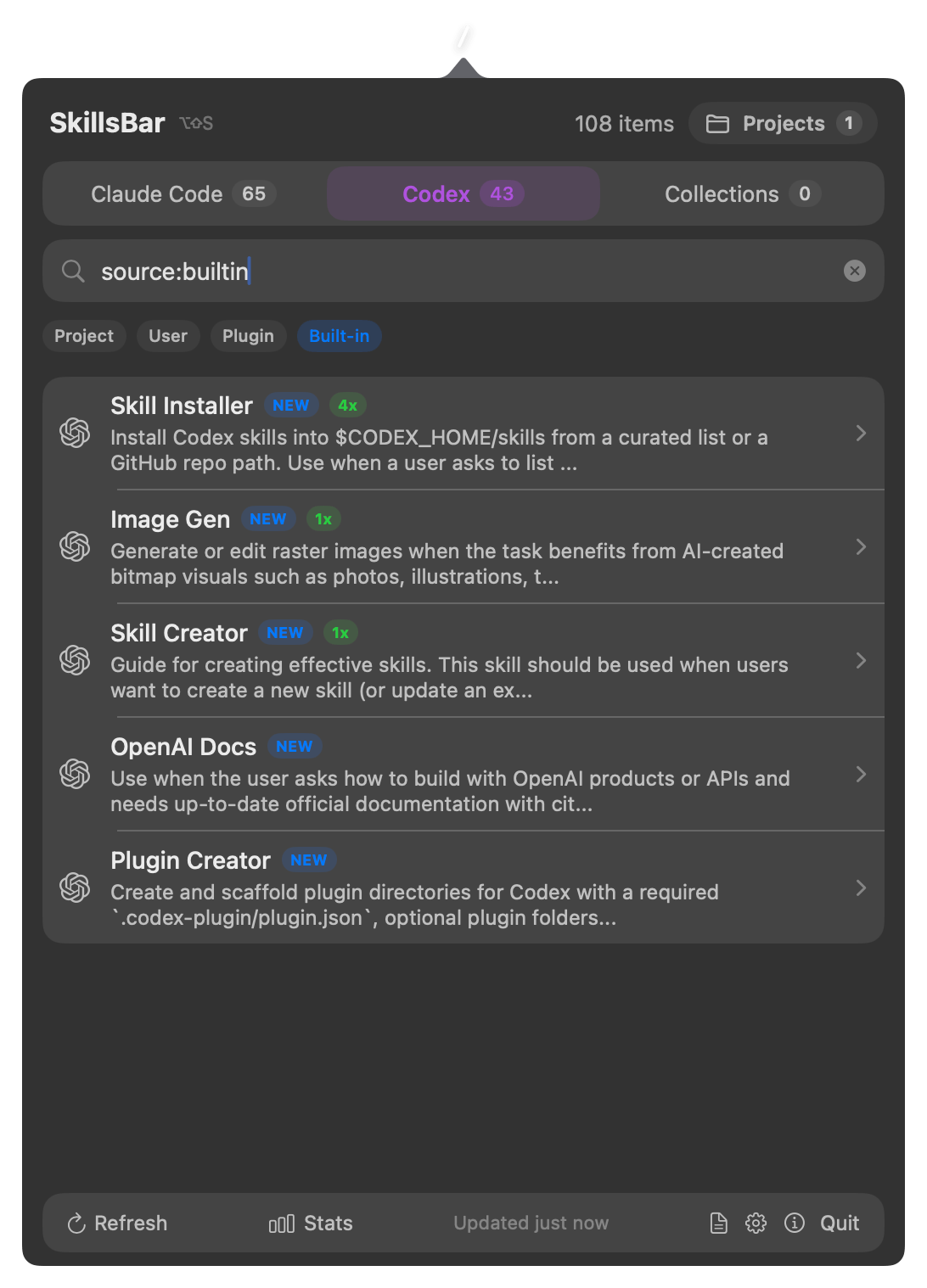
Search skills, plugins, agents, and collections by name, description,
metadata, collection trigger commands, and source tokens such as
source:project. -
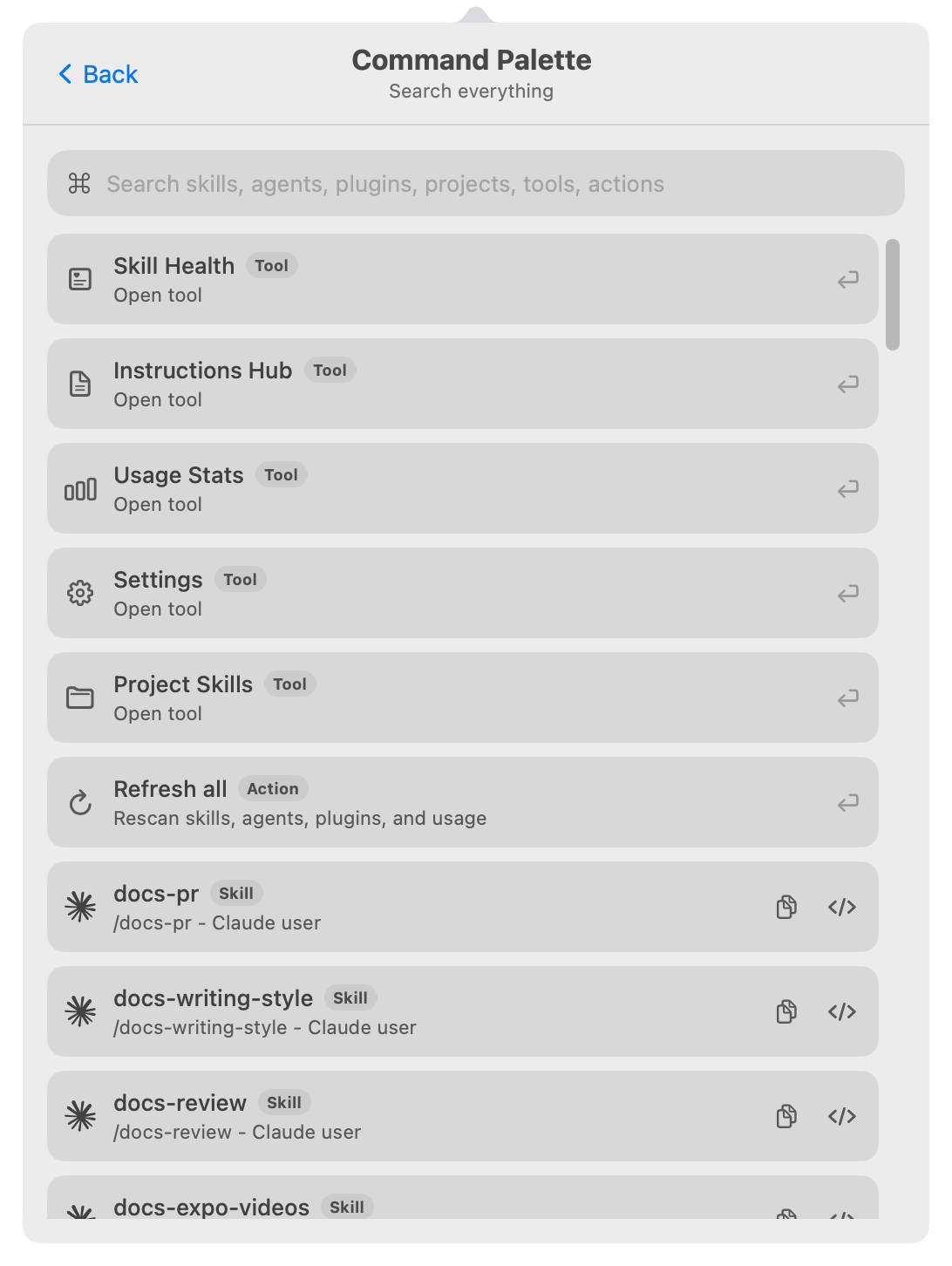
Command Palette (
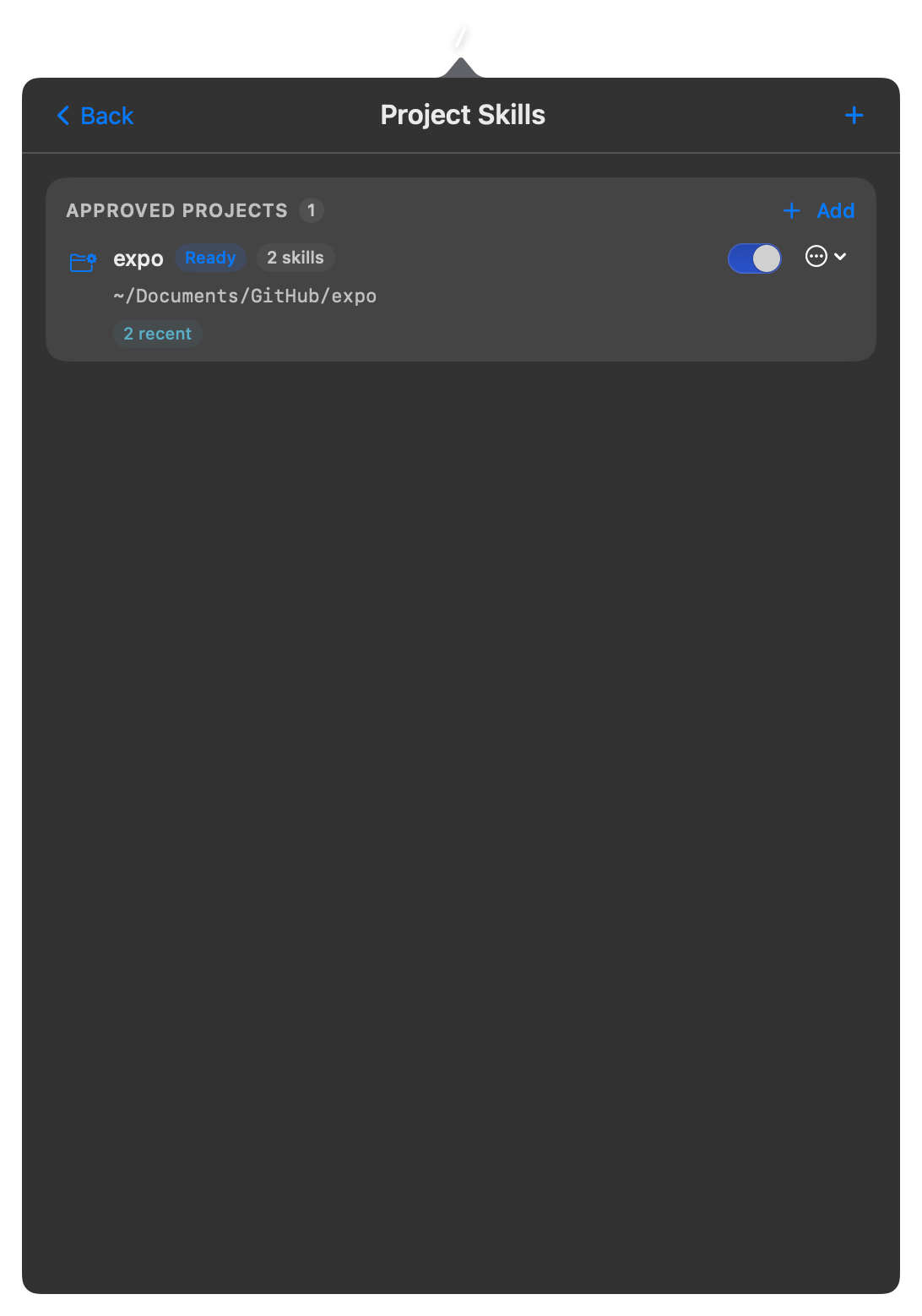
Cmd+K) that searches skills, agents, plugins, collections, projects, tool screens, and actions from one place. - Manage trusted project folders in a dedicated Project Skills screen.
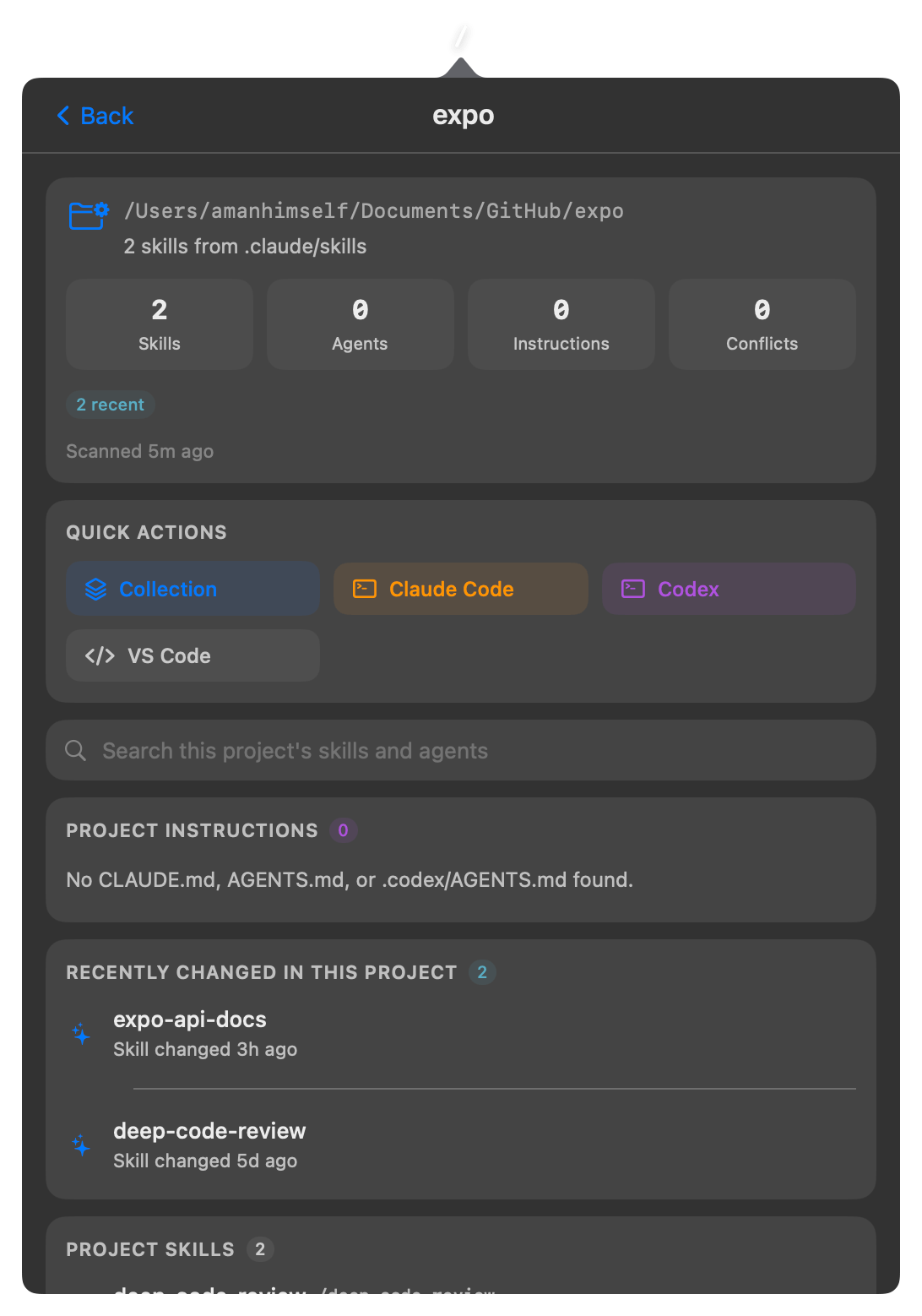
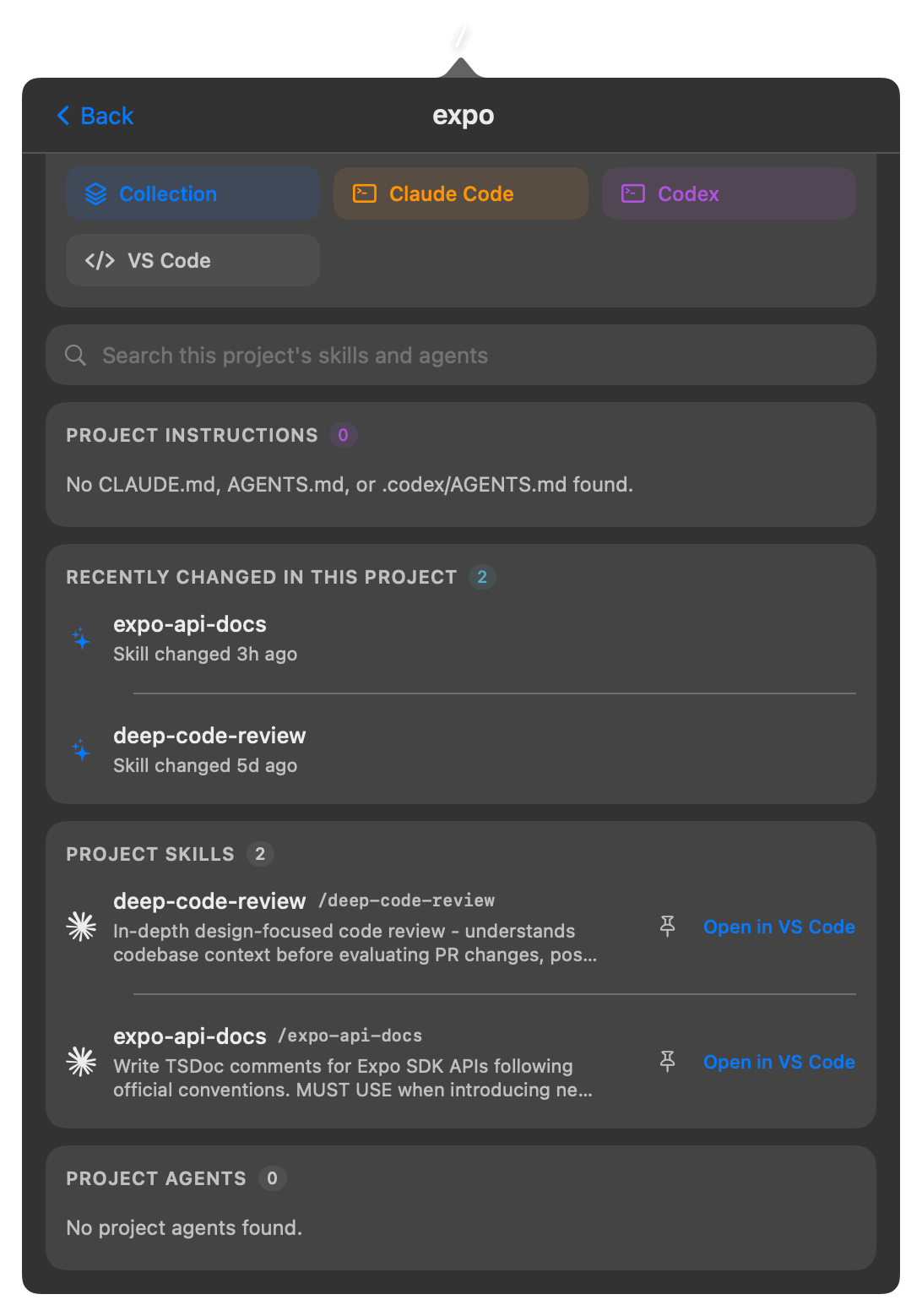
- Review project skills, project agents, instruction files, health, conflicts, recents, pins, names, and project order.
-
Detect project-local
CLAUDE.md,AGENTS.md, and.codex/AGENTS.mdfiles next to trusted projects. - Instructions Hub for global and project instruction files with Ready, Missing, Empty, and Unreadable states plus open-or-create actions.
-
Create collections from a project, open the project in Claude Code or
Codex, and create
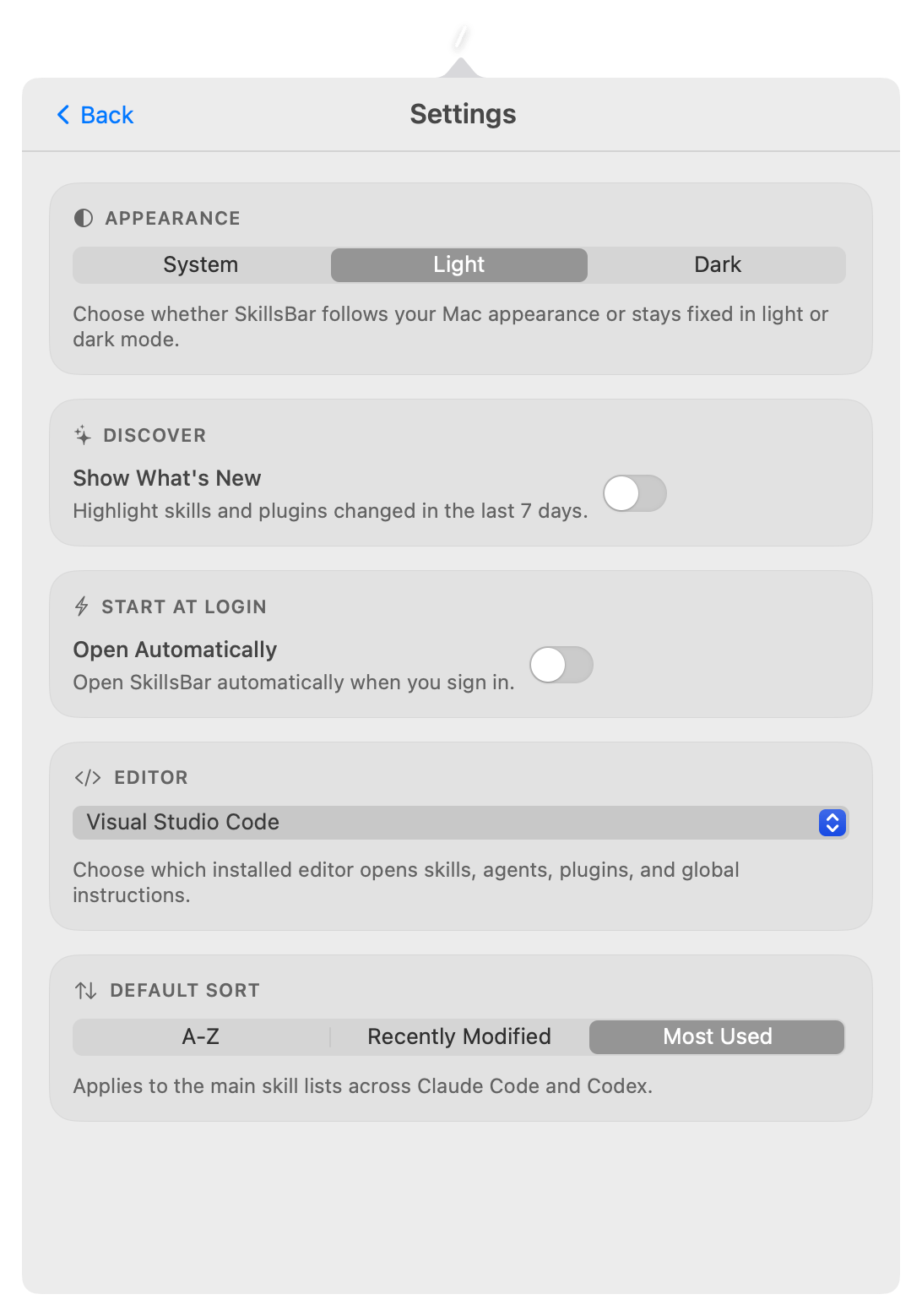
.claude/skillswith explicit consent. - Choose an installed editor such as VS Code, WebStorm, Cursor, Zed, or Xcode for opening skills, agents, plugins, and global instructions.
- Create custom collections that mix Claude Code and Codex skills for repeatable workflows.
- Browse installed Codex plugins with versions, publishers, capabilities, included skills, and quick open or reveal actions.
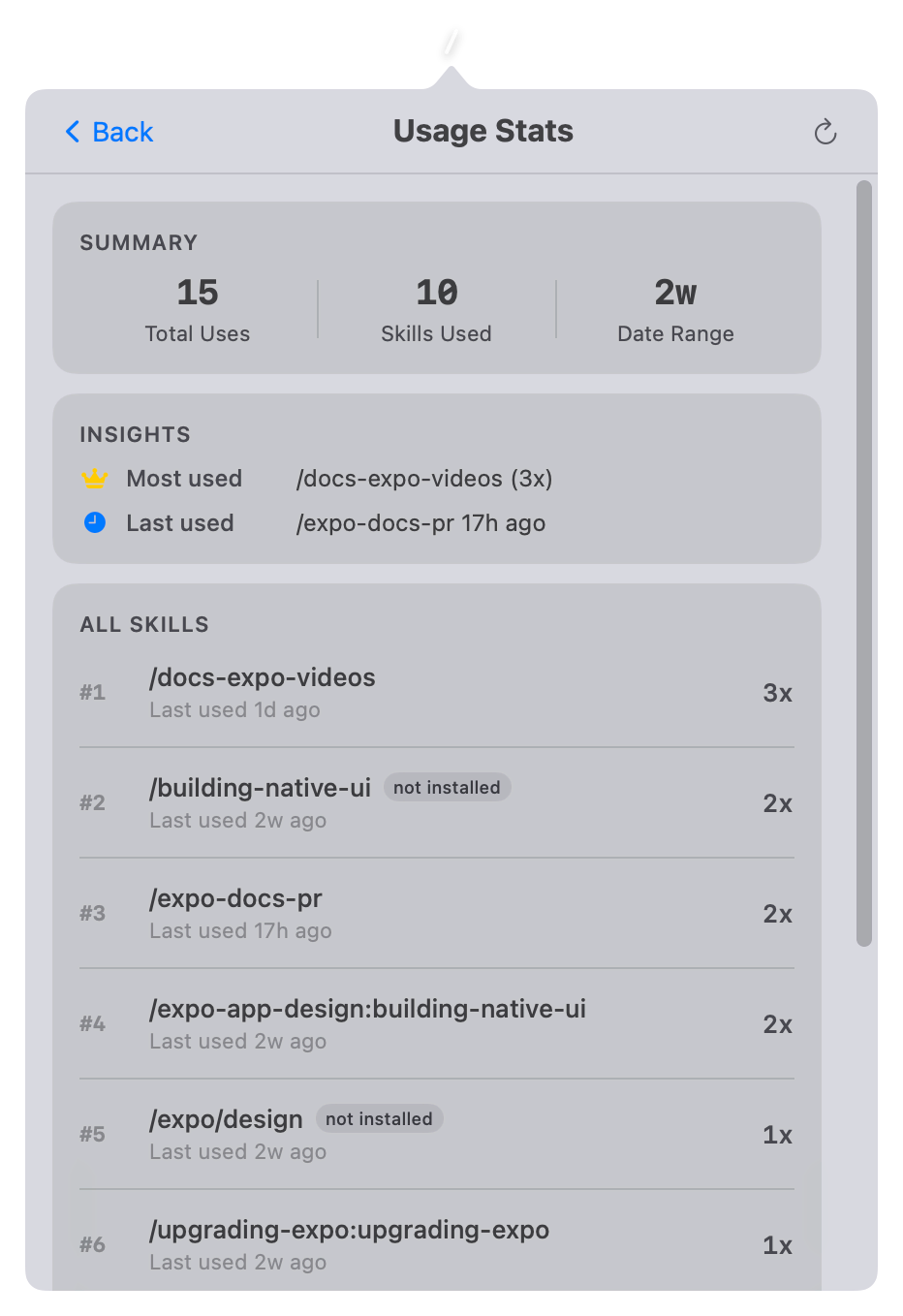
- Track Claude Code, Codex CLI, and Codex Desktop skill invocations in app-owned history with 30d, 7d, and All ranges.
- Daily and monthly usage heatmaps, hover totals by source, and ranked per-skill usage that still counts deleted skills.
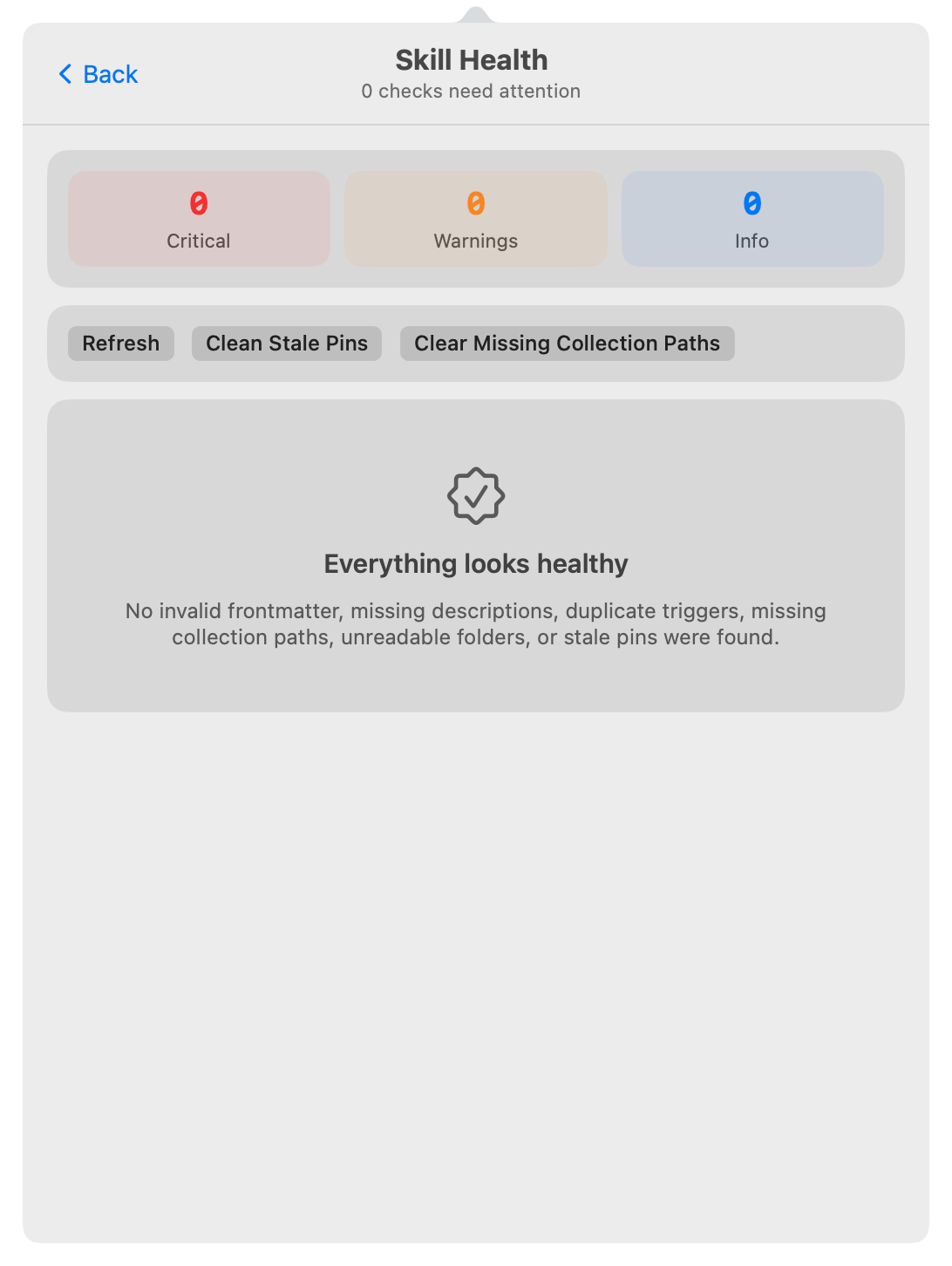
- Skill Health checkup that flags invalid frontmatter, missing descriptions, duplicate triggers, unreadable folders, and stale pins.
- Settings for What's New, appearance, default sort, preferred editor, and Start at Login.
- "New" badge for skills modified in the last 24 hours and a What's New section for recently changed skills and plugins.
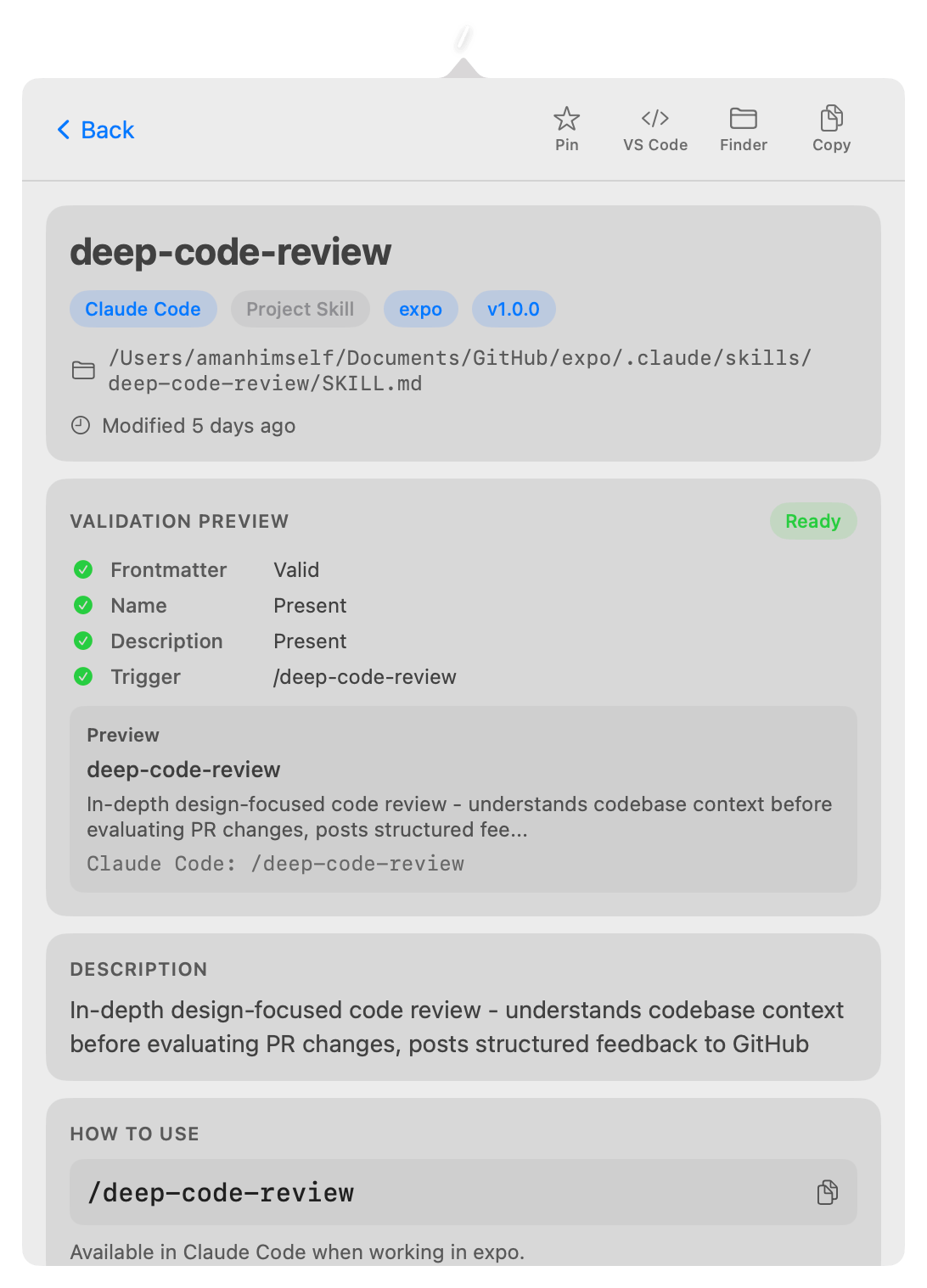
- Detail views with metadata, collection membership, trigger commands, included skills, and file listings.
- Full content preview of raw SKILL.md body.
- Quick actions open skills, agents, plugins, and global instructions in your preferred editor.
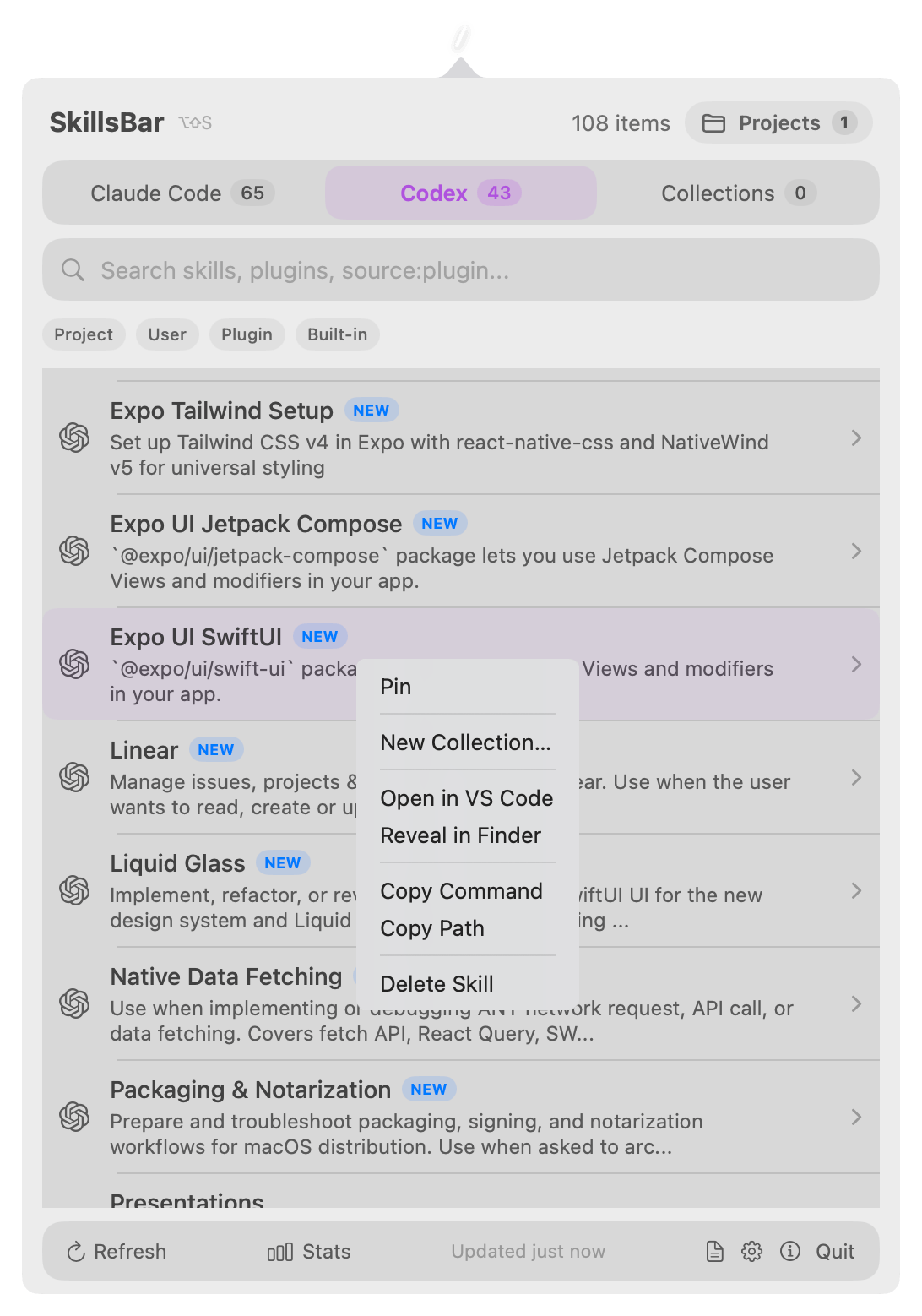
- Right-click context menu for pin, add to collections, open, copy, and delete.
- Agent browsing for sub-agents with model and tools metadata.
-
Global hotkey
Option+Shift+Sto toggle from anywhere, with arrow-key navigation,Escback, andCmd+Leftinside the popover. - Live updates via FSEvents directory watcher.
- No Dock icon, lives entirely in the menu bar.
Install
Download SkillsBar.zip from GitHub Releases, unzip and move to Applications, then remove the quarantine flag:
$ xattr -cr /Applications/SkillsBar.app Project skills
Approve local project folders, inspect their skills, agents, instruction files, recents, conflicts, and launch the project in Claude Code, Codex, or your editor.
Plugins and agents
Browse installed Codex plugins with versions and included skills, plus Claude Code sub-agents with model, color, and tools metadata.
Usage stats
Track Claude Code, Codex CLI, and Codex Desktop invocations with 30d, 7d, and All ranges, daily and monthly heatmaps, and ranked per-skill usage.
Settings
Toggle What's New, choose system, light, or dark appearance, pick an installed editor, start at login, and control the default sort order.