MuxBar
tmux sessions, one click away in the menu bar.

Your tmux sessions, always one click away.
Create, attach to, and kill tmux sessions from a lightweight menu bar panel. MuxBar auto-detects your installed terminal emulators and opens new sessions in the one you choose.
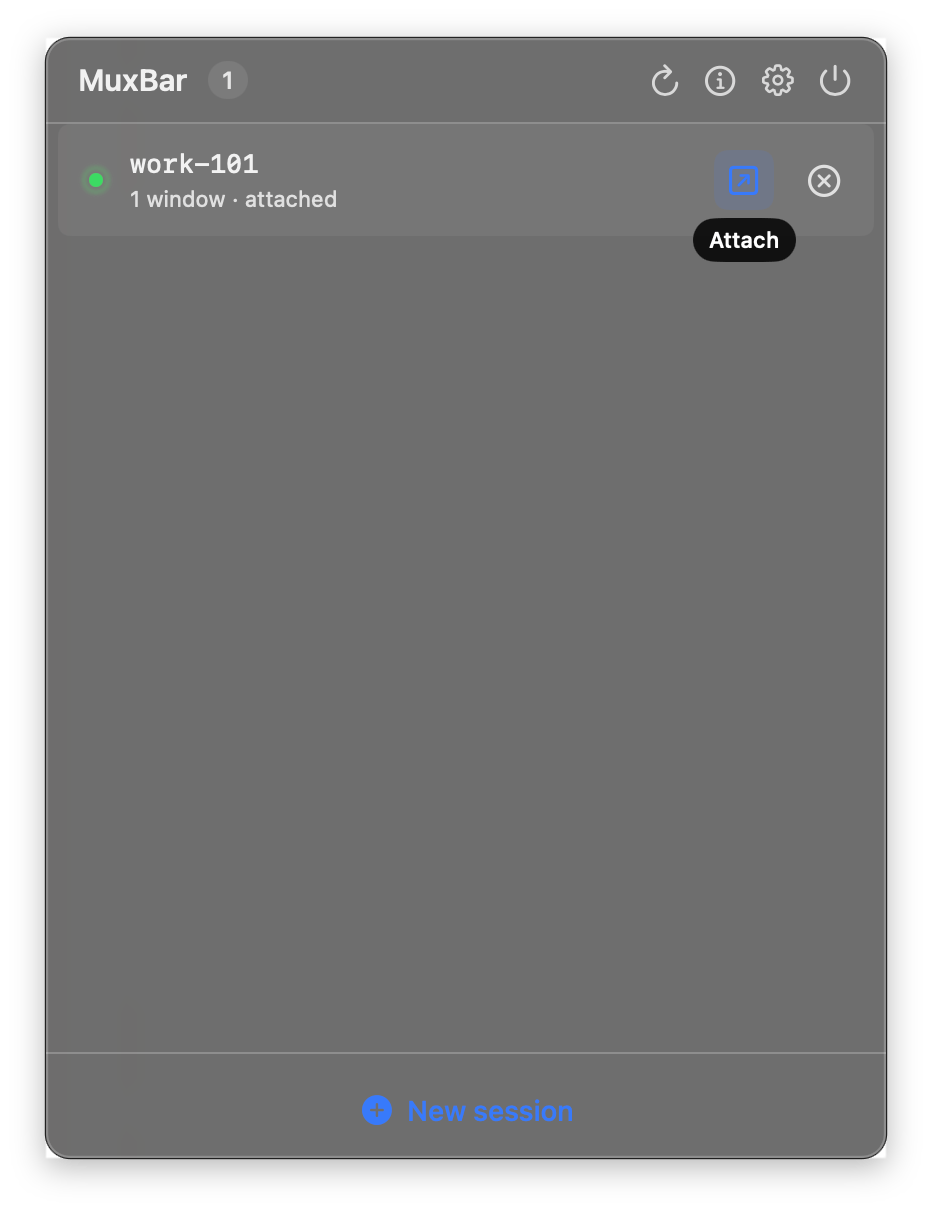
- Live session list with window count, age, and attached state.
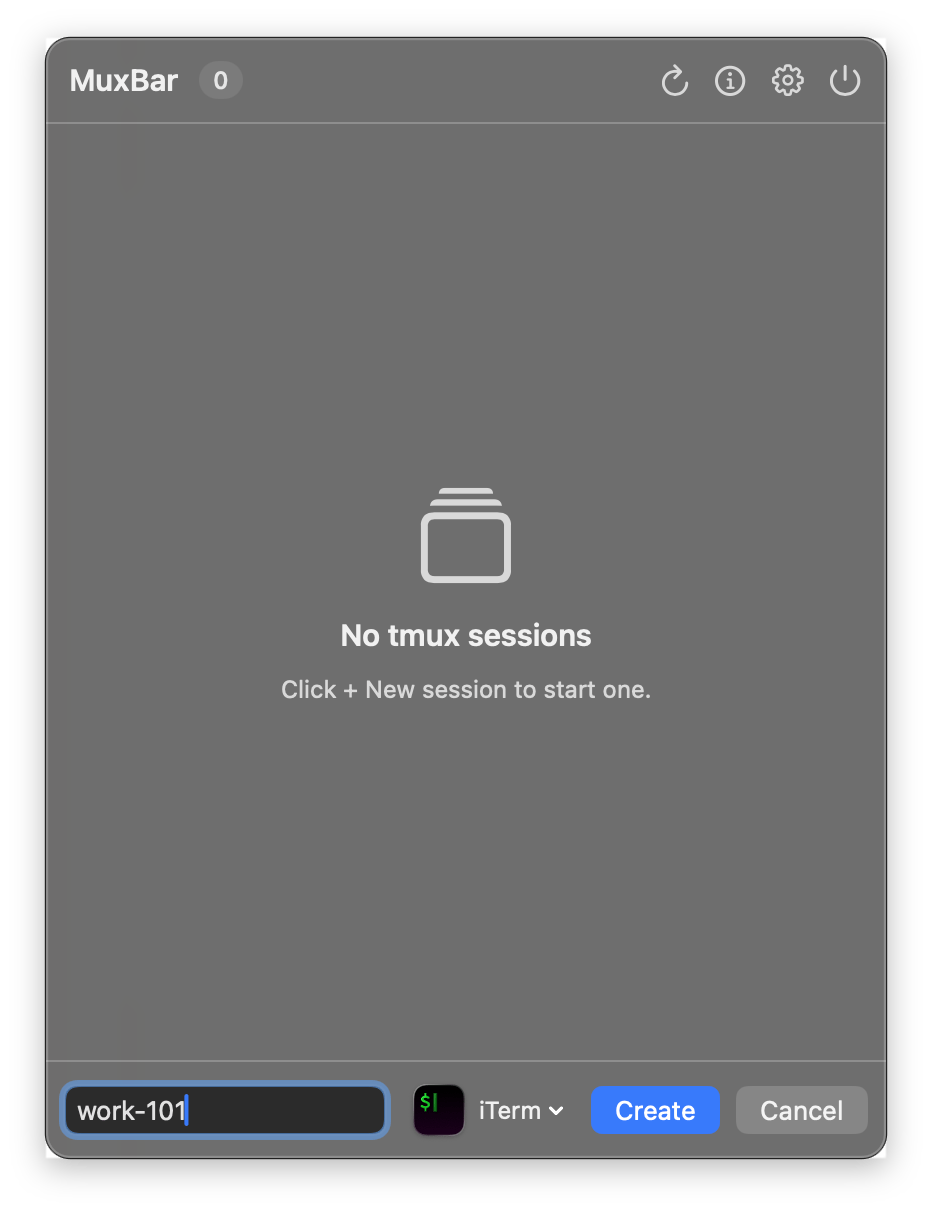
- One-click create: name a session and MuxBar opens it attached in your chosen terminal.
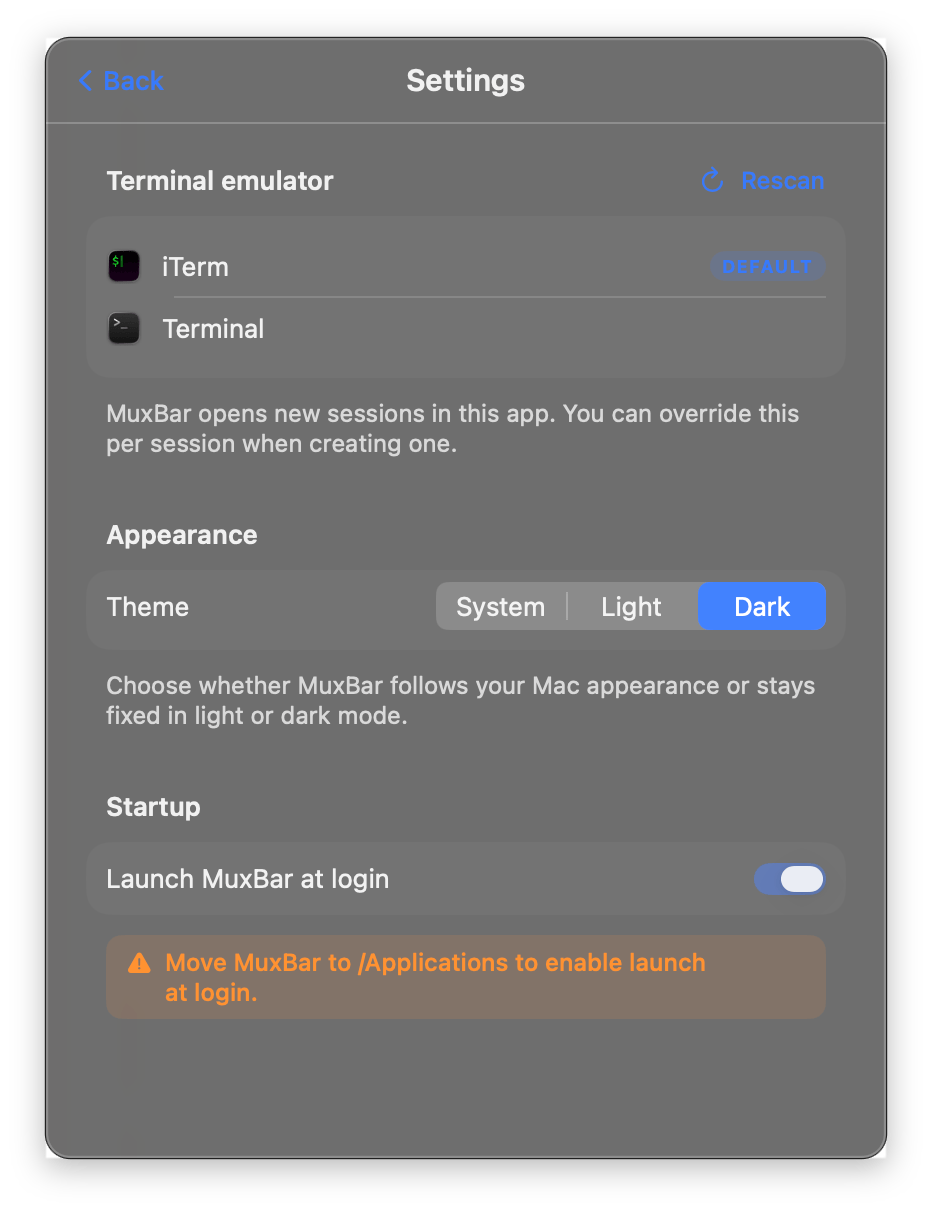
- Auto-detects iTerm2, Terminal.app, Ghostty, WezTerm, Alacritty, kitty, and Warp.
- Per-session terminal override when creating a session.
- Attach via click, double-click, or right-click menu.
- Copy
tmux attach -t <name>to the clipboard from the context menu. - Confirmed kills and quit-while-running sheet to prevent accidents.
- Status bar icon tints to your accent color when a session is attached.
- System, Light, or Dark appearance, including the panel blur.
- Launch at login via
SMAppService. ⌘Qto quit,Escto close,Returnto create.- No Dock icon, lives entirely in the menu bar.
Install
Download MuxBar.zip from GitHub Releases, unzip and move to Applications, then remove the quarantine flag:
$ xattr -cr /Applications/MuxBar.app Session control
Create, attach, and kill tmux sessions without leaving the menu bar. Every action shows the session name, window count, age, and attached state at a glance.
Your terminal
Auto-detects iTerm2, Terminal.app, Ghostty, WezTerm, Alacritty, kitty, and Warp. Pick a default in Settings or override per session on the fly.
Safe by default
Confirmation sheets protect you from killing sessions by accident, and a quit sheet reminds you the tmux server keeps sessions alive after MuxBar exits.